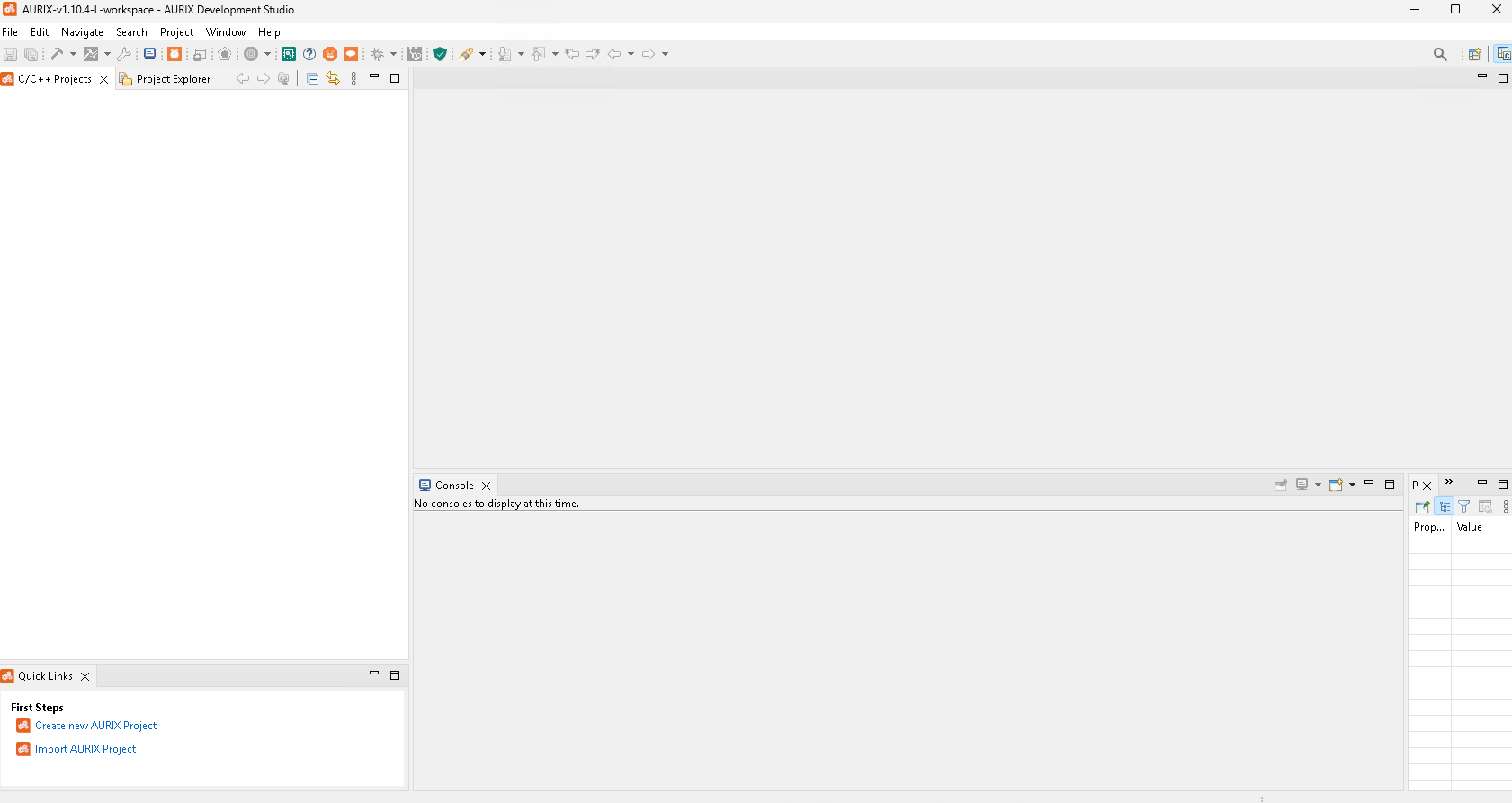
AURIX™ Development Studio
Download
The AURIX™ Development Studio can be downloaded from Infineon’s pages using the link below.
It is available for the Windows platform as an executable installation file.
Click on "Download here".

Fig. 1. Download of AURIX™ Development Studio
Or you can click on "Download software".

Fig. 2. Download of AURIX™ Development Studio
Click on "Download".

Fig. 3. Download of AURIX™ Development Studio
Or you can click on the the of the software and download from there.
Click on "Download".
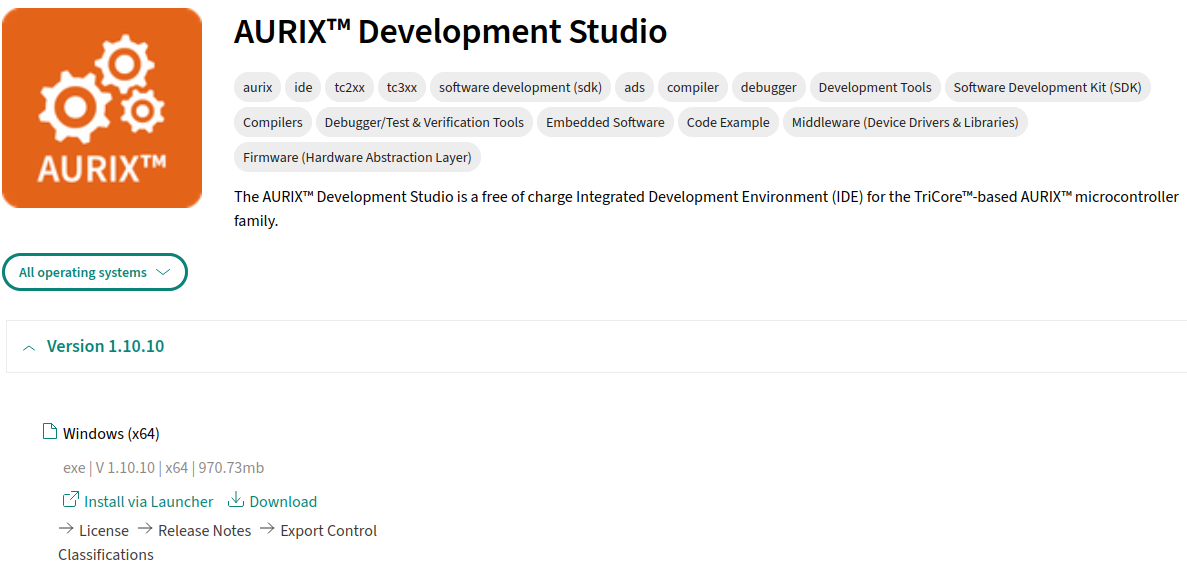
Fig. 4. Download of AURIX™ Development Studio